If the reader clicks on the feedback icon in the newsletter, you want them to be able to leave a comment, especially if they click on a negative icon. That is why you should create forms in which the reader can post their comments.
Go to the Forms module. As with the images, it can also be useful to create a separate folder for the feedback forms.
Next, click on the button New form. Select a form of the type Normal, as the responses from the forms do not have to be saved with the contacts who submitted them.
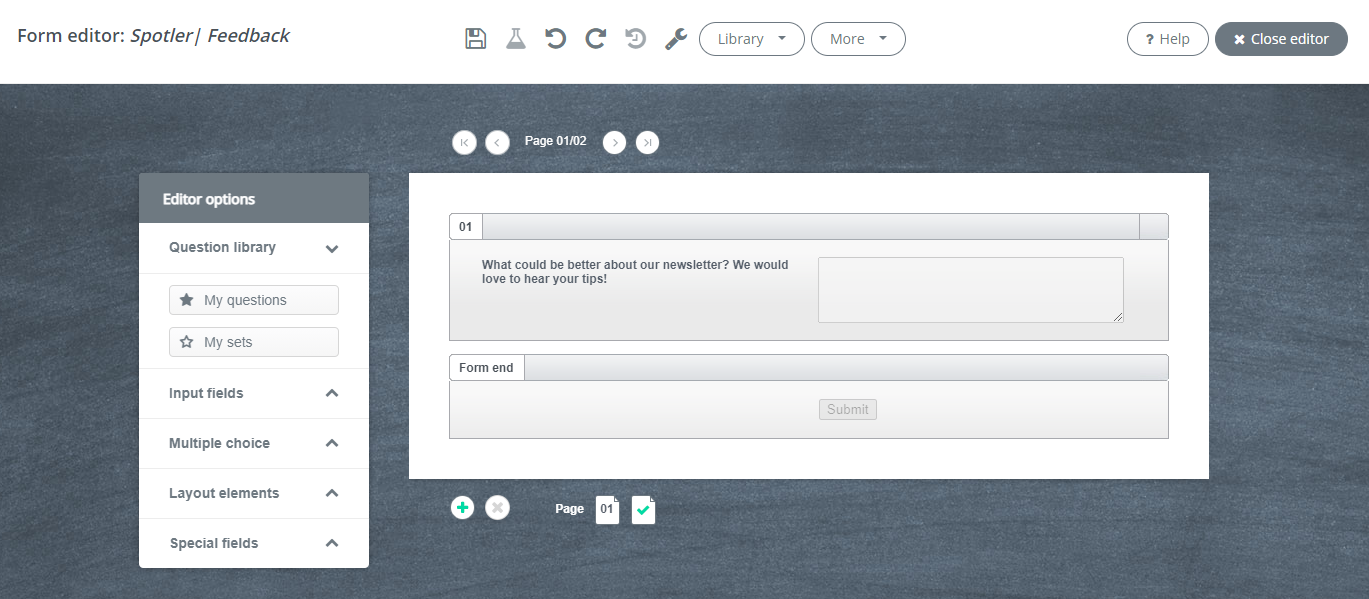
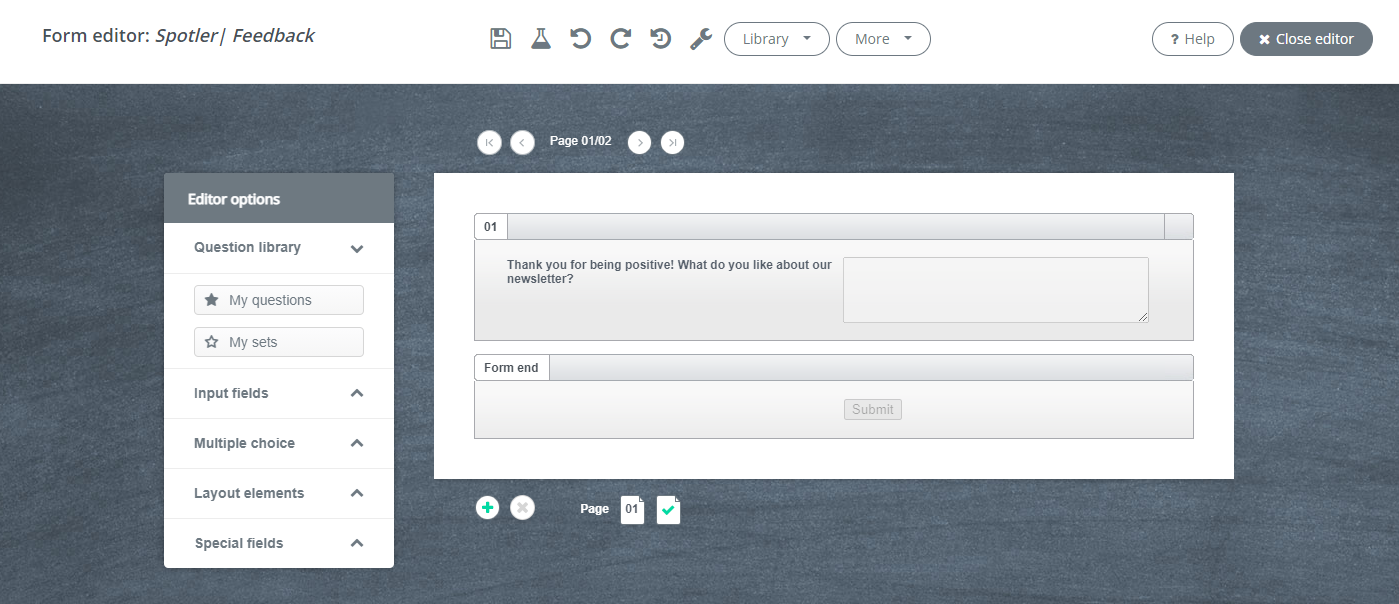
Create forms for both positive feedback and negative feedback. An example could be:
Do you need help creating a form? Then read the article Forms editors.