If you want to use the feedback symbols in newsletters more often, it is useful to first create a separate folder in the Images module. This way, you can easily find them again.
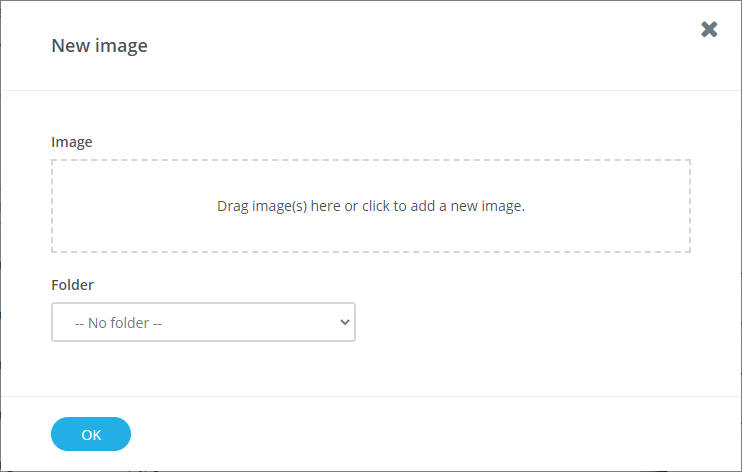
Upload the feedback symbols by clicking on the button New image. A pop-up will appear. Drag the symbols into the field to upload them and, if necessary, select in which folder they should go.